

Appearance
Billing
The Billing page in the Customer Portal gives you visibility into what you are using, what you have been billed, and what you have paid.
It is read-only — the Console does not currently accept self-service plan changes or in-portal payments. Coordinate with your account manager for plan changes or refunds.
Layout
Four tabs: Usage, Invoices, Payments, Credits.
Usage tab
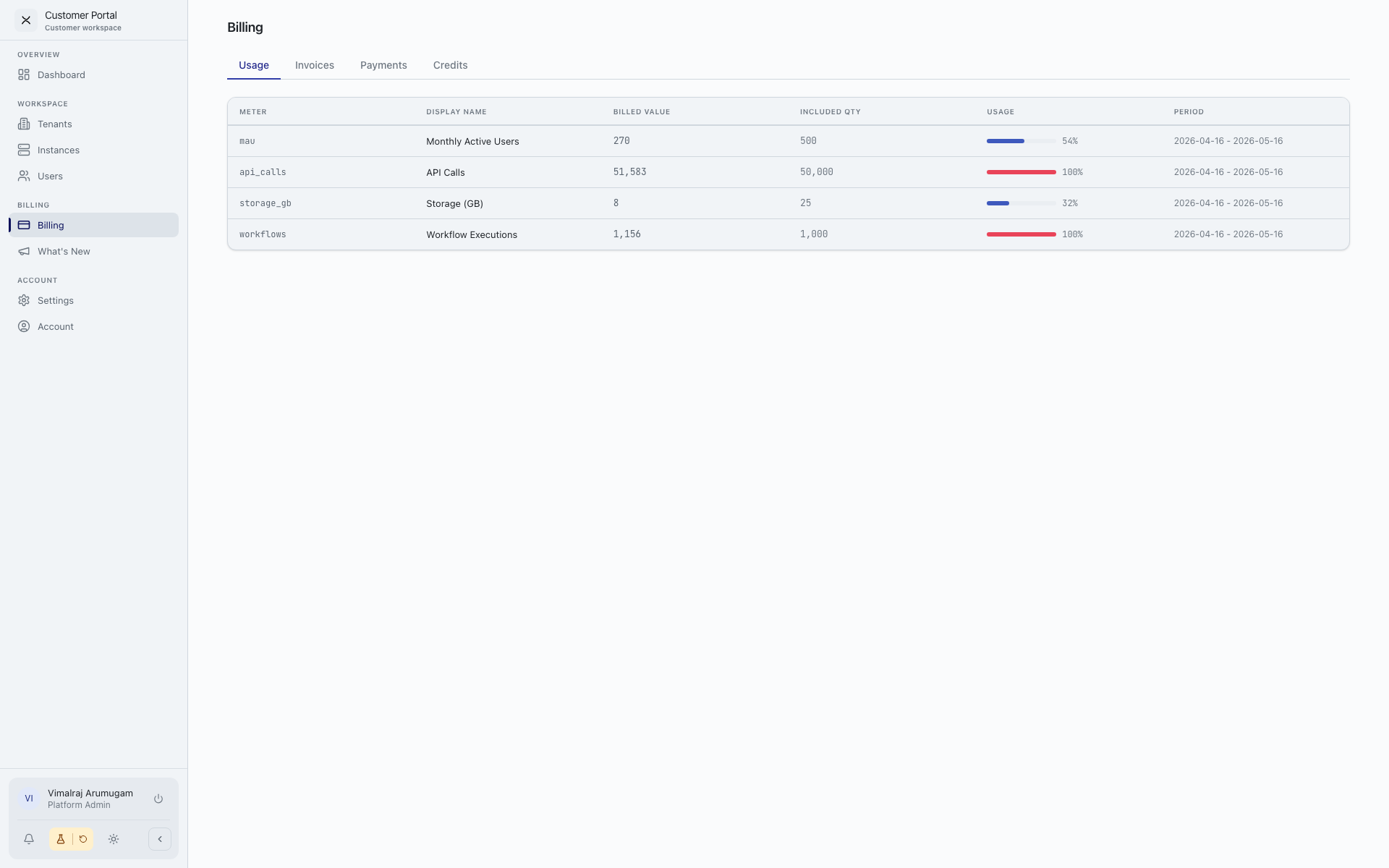
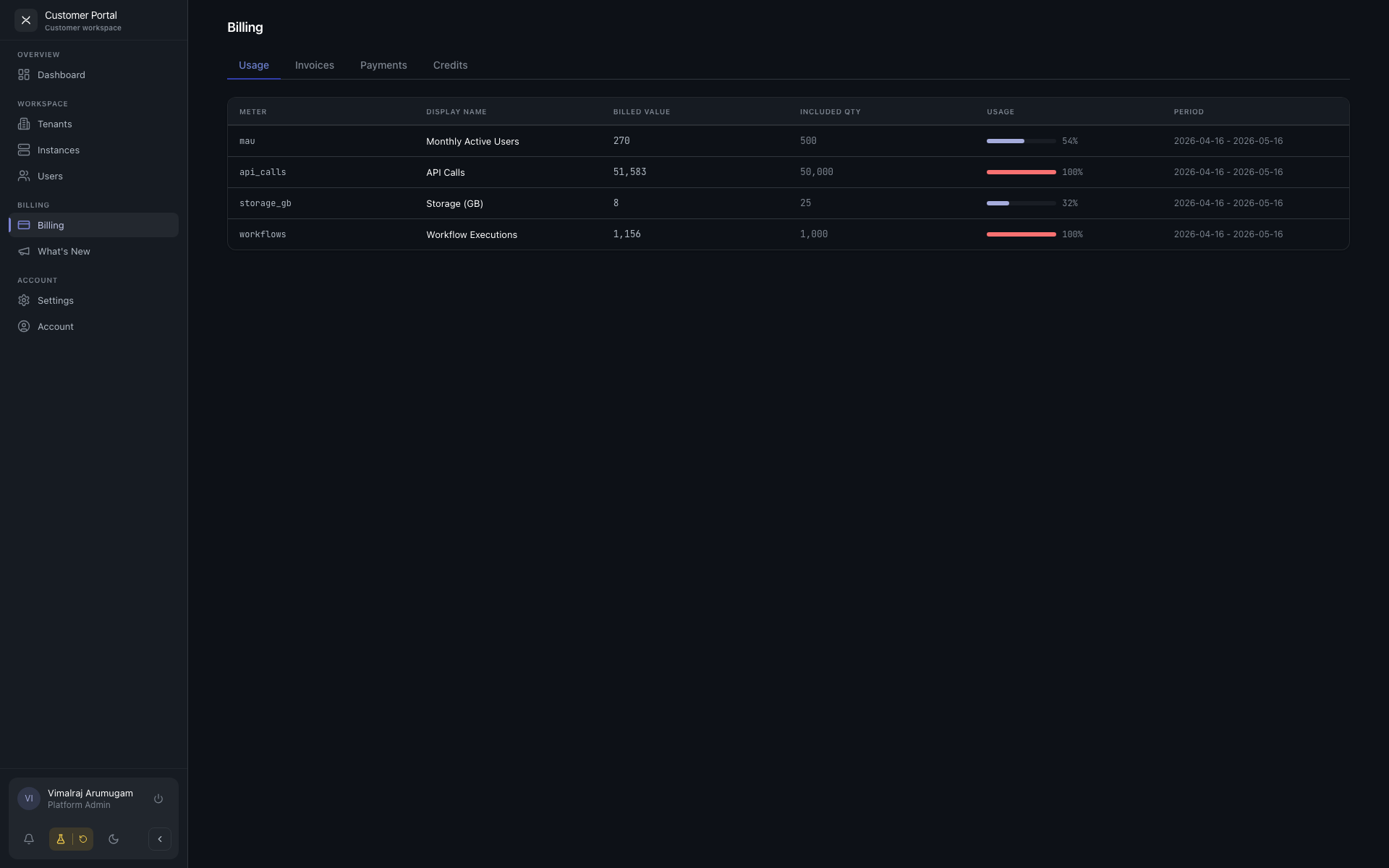
The monthly consumption against your plan.
| Column | Notes |
|---|---|
| Meter | Internal key. |
| Display Name | Customer-facing label. |
| Billed Value | The count or amount applied for billing this period. |
| Included Qty | Your plan's entitlement. |
| Usage % | A progress bar showing billed-vs-included with the percentage. |
| Period | The billing period. |
The progress bar is colour-coded:
- Red — at or above 90% of the entitlement.
- Yellow — at or above 75%.
- Neutral — below 75%.
If a meter has no included quantity (unmetered service), it does not appear here.
Invoices tab
| Column | Notes |
|---|---|
| Invoice # | Reference. |
| Period | The billing period covered. |
| Total | Amount in your billing currency. |
| Status | Issued / Paid / Overdue / Void. |
| Issued | Date issued. |
Payments tab
| Column | Notes |
|---|---|
| Method | Bank Transfer / Credit Card / Check / Wire / ACH / Other. |
| Amount | |
| Reference # | Bank transaction ID, cheque number, etc. |
| Processed | Date the payment was reconciled. |
Credits tab
A placeholder for credit balance information. The message in the UI reads:
Credit balance information is available on your account statement.
For now, contact your account manager for credit balance details.
Permissions
Requires the view_billing portal action.
Notes
- Usage is updated periodically by the platform — figures shown are typically minutes-fresh, not real-time.
- "Billed Value" already includes the production / non-production multipliers your contract specifies. If you want raw usage numbers, ask your account manager.
- Voided invoices are not included in totals.