

Appearance
Introduction
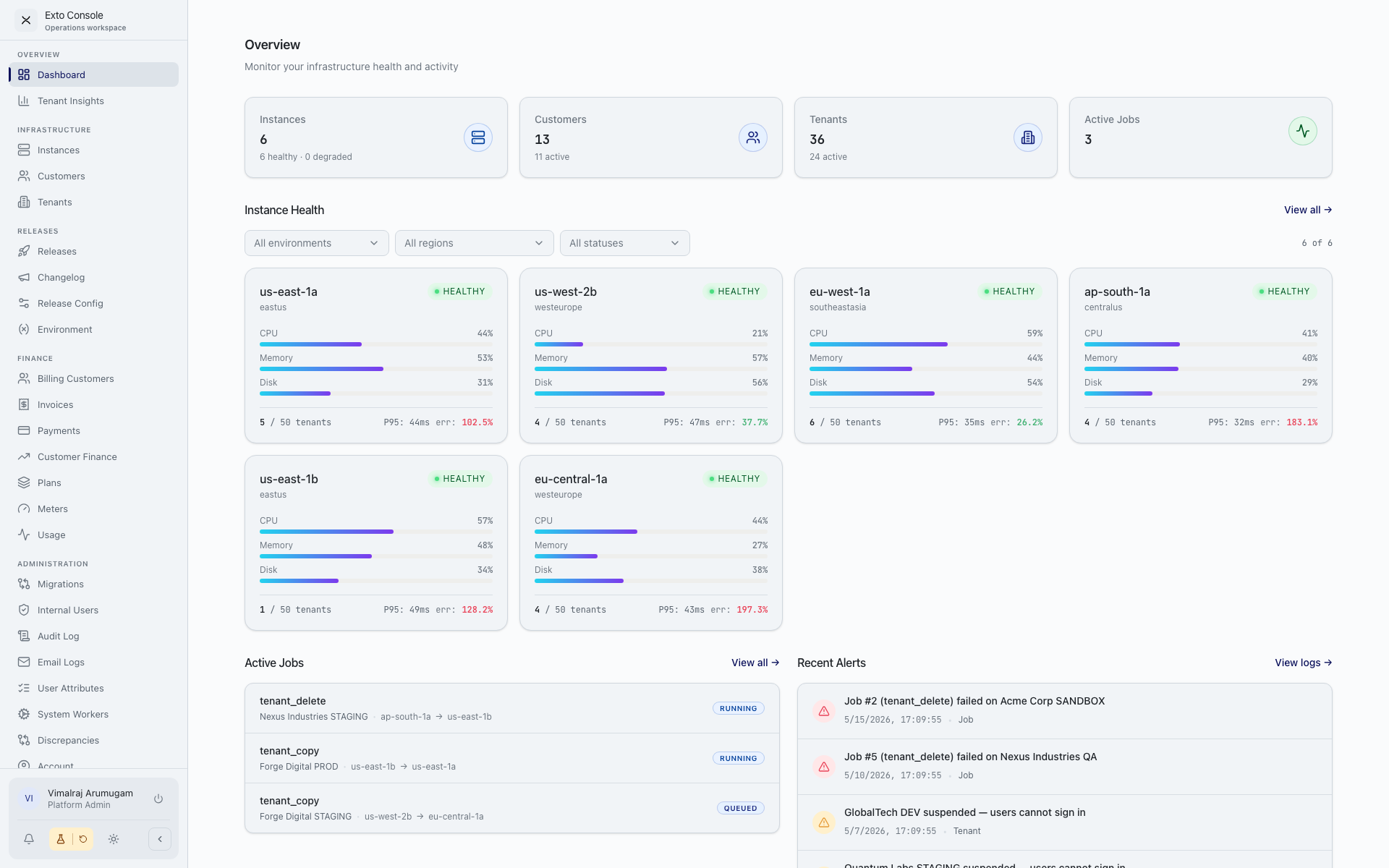
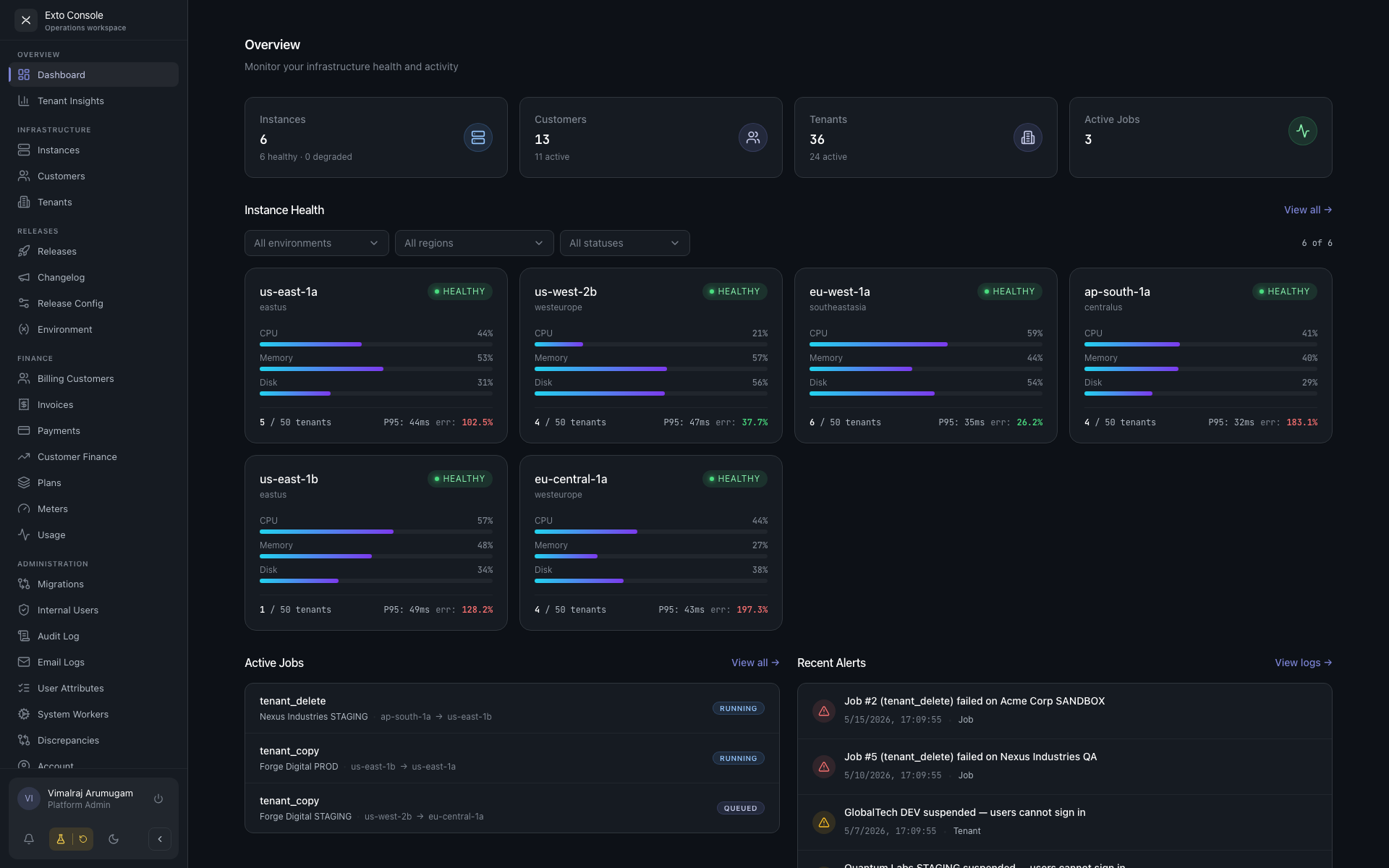
Exto Console is the operations hub for the Exto suite. Every product we ship — Exto, Bolo, Canvas, and Faria — is run from here: the customers who use it, the people inside those customer organisations, the environments their data lives in, the releases that ship to them, and the money they pay us.
Before the Console, this work was scattered across spreadsheets for customer records, ad-hoc scripts to add users to each server, separate dashboards for each product's usage, and email threads to approve a production deploy. The Console replaces all of it with one platform.
What the Console does
The Console is built around four pillars:
Unified customer view. Account managers open one record and see everything about a customer — tenants, instances, users, plans, meters, contracts, invoices, and payments. No more stitching context together from three tools to prep for a review.
Identity across every server. Add, suspend, or remove a customer's users across dev, QA, and production in a single action. Push security policies — MFA, password rules, identity-provider bindings — and user attributes to every environment from one screen. The Console is the source of truth; the servers follow.
Release orchestration with approvals. Major, minor, and hotfix releases are cut from the Console. Account managers sign off on the customer-facing side, server admins sign off on the infrastructure side, and each release flows through dev → QA → prod under those gates. Customers see one consolidated changelog across every Exto product they're entitled to.
Automated metering and billing. Define meters for what you charge for, bind them to plans, assign plans to customers, and the Console computes usage, issues invoices, records payments, and reconciles credits — automatically. Revenue scales without the back office scaling with it.
Two surfaces, two audiences
The Console exposes two distinct workspaces:
The Admin Console is for Exto operators — account managers, server admins, finance, QA admins, platform admins. It exposes everything the platform can do across every customer, every tenant, every instance, every release.
The Customer Portal is what your customers see when they log in. It is scoped to a single customer, hides operator-only functionality, and is gated by portal roles (owner, admin, member). Customers manage their own users, view their usage and invoices, and read release notes for the products they use.
Both surfaces share the same identity layer, the same release machinery, and the same billing engine — they just present different slices of it.
How to use this guide
If you are an Exto operator, start with Quick Start and then jump into the Admin Console section.
If you are a customer admin signing in for the first time, read Signing In and the Customer Portal Overview.
If you want to understand how the pieces fit together before opening the UI, read Core Concepts end-to-end. Everything else in the guide refers back to those concepts.