

Appearance
Signing In
Sign-in to the Exto Console always starts at the same screen: an email field with a Continue button.
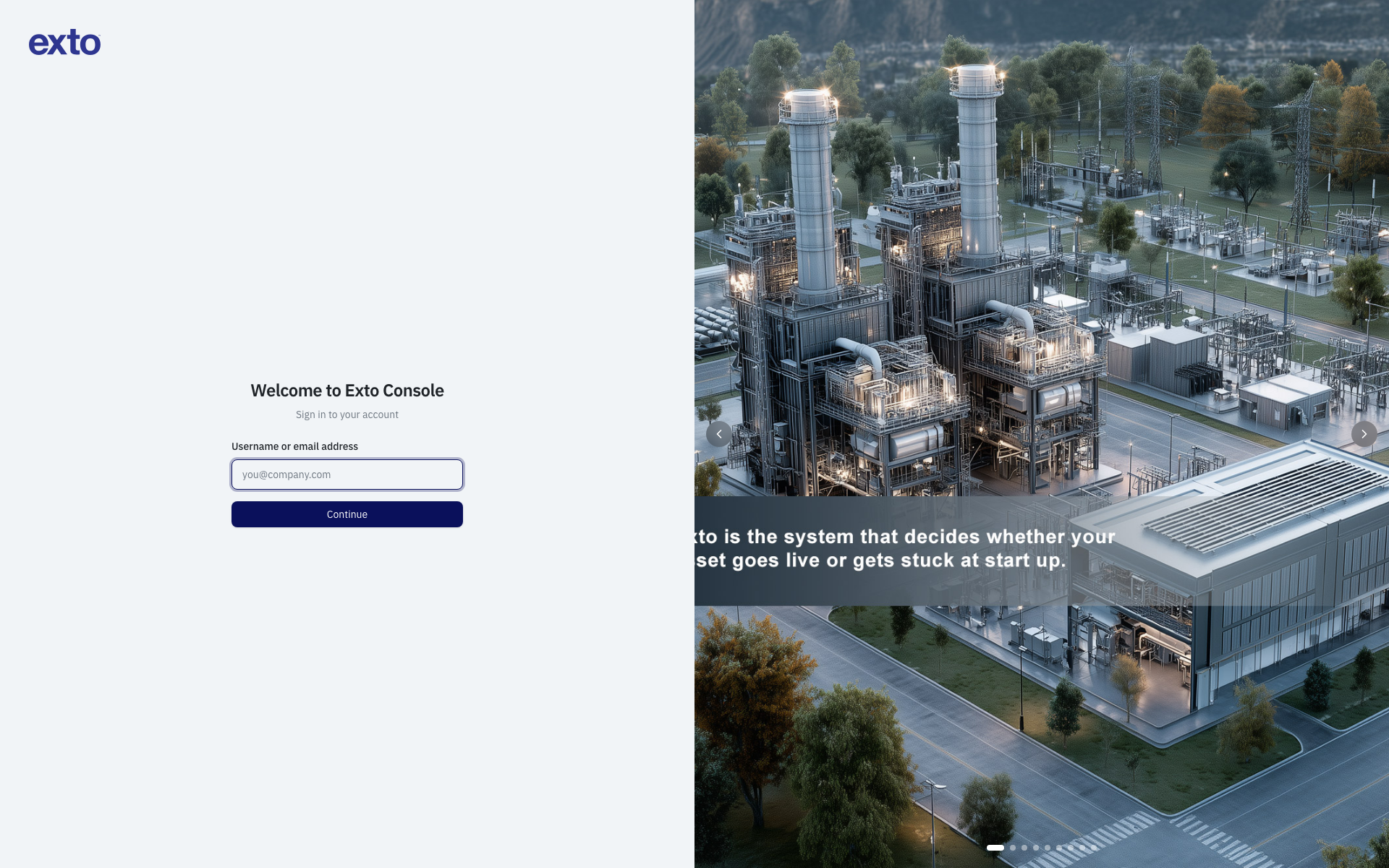
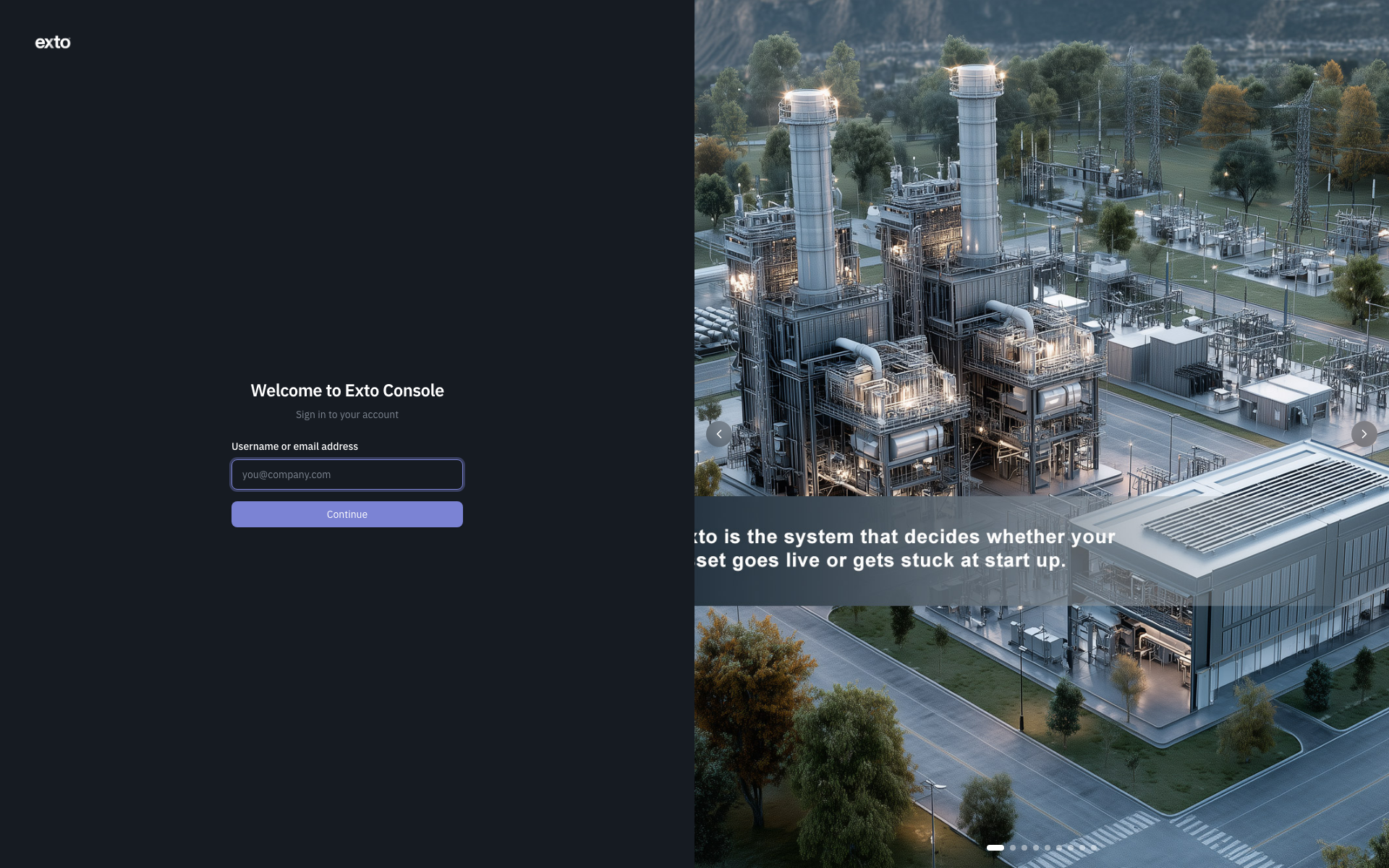
The standard flow
- Open the Console URL.
- Enter your email address. Click Continue.
- The Console looks up your organisation and shows the sign-in methods available to you. Possible methods include:
- Password — username and password held in Zitadel.
- SSO provider — Google, Microsoft Azure AD, or any custom OIDC provider your organisation has configured.
- If only one method is available, the picker is skipped and you go straight there.
- Authenticate. You are redirected back to the Console and dropped at your home page.
If you mistyped your email, click the pencil icon next to it to go back and re-enter.
Where you land after signing in
| Who you are | Where you land |
|---|---|
| Internal operator (Platform Admin, Infra Ops, Account Manager, QA Admin) | The platform Dashboard at /dashboard. |
| Customer owner or admin | Their customer's portal Dashboard at /customers/:customerId/dashboard. |
| Customer member with no elevated portal access | Their personal Account page at /customers/:customerId/account. |
| New user, profile not yet completed | The Complete Profile page. After completing, you continue to your normal home. |
If you belong to multiple customers, the portal includes a customer switcher in the header so you can jump between them without signing out.
Signing in from a partner application
When a partner application redirects you to the Console for authentication, the experience is the same — email, method picker, authenticate — but on success you are redirected back to the partner application rather than to the Console.
If the partner application has not been authorised, you will see the message "Invalid application. The redirect is not allowed for this client." Contact your administrator; they need to register the partner application with the Console.
Common errors
| Message | What it means |
|---|---|
| Unable to sign in with this email | The email is not registered with the Console, or the organisation does not allow your account type to use this sign-in path. Check the email or ask an admin to invite you. |
| Too many attempts. Please wait a moment and try again | Rate limiting kicked in. Wait a minute and retry. |
| Invalid application | A partner application has an invalid registration. Contact support. |
| Session expired | Your previous session is no longer valid. Sign in again from the email field. |
Signing out
Open your Account menu in the top right and choose Sign out. You will be returned to the email field.