

Appearance
Plans
The Finance → Plans page is where you define billing plans, version them, and bind meters to their limits and prices. See Plans & Meters for the conceptual model.
Layout
The page is card-based, one card per plan. Header has a Create Custom Plan button (top right).
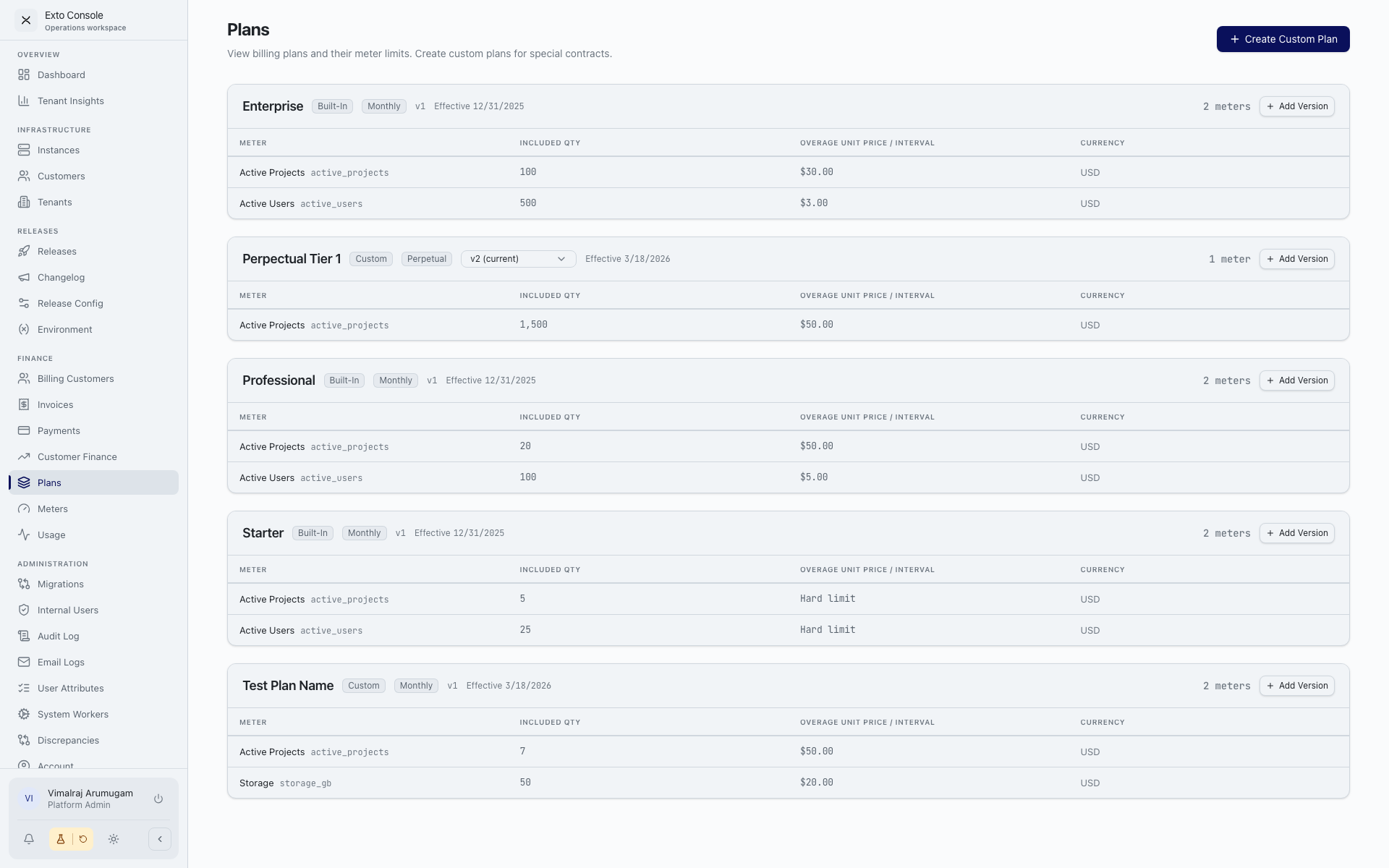
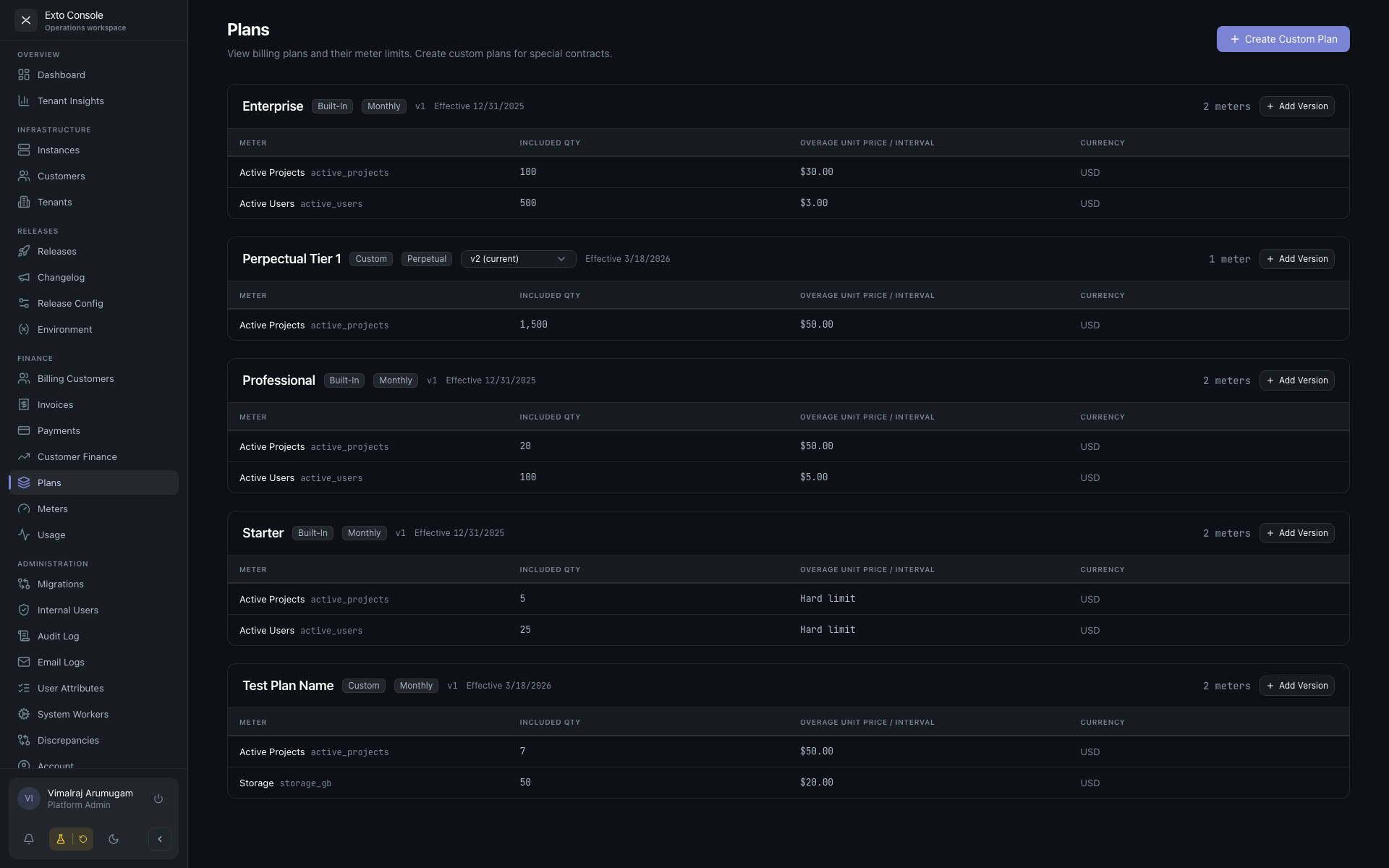
Plan card
Each card shows:
- Plan name.
- Status badges:
- Built-in / Custom.
- Billing interval — Monthly / Quarterly / Annual / Perpetual.
- Version selector — if the plan has multiple versions, a dropdown lets you switch which version the table displays. Useful for reviewing retired versions.
- Effective date range.
- Meter count.
- Add Version button.
- Meter limits table.
Meter limits table
| Column | Notes |
|---|---|
| Meter | Display name and key. |
| Included Qty | Units included before overage. "Unlimited" means no cap. 0 with a non-zero overage price means "pay per unit from zero". |
| Overage Unit Price / Interval | Cost per unit above the included quantity. $0 means hard limit — usage above the cap is blocked, not charged. |
| Currency | USD. |
Creating a custom plan
Click Create Custom Plan. The modal asks for:
- Display name — auto-generates an internal plan key.
- Billing Interval — Monthly / Quarterly / Annual / Perpetual.
- Meter limits — one row per meter. For each meter, select it, enter its included quantity, and its overage unit price.
Click Create Plan. The plan appears as a new card.
Creating a new plan version
Click Add Version on a plan card.
- The modal pre-fills with the current version's meter limits.
- Edit any limits you want to change.
- Click Create v[N].
The previous version is automatically retired (its retirement date is set), and the new version becomes current. Existing customers stay pinned to whatever version they had — they must be upgraded to the new version explicitly. The Console flags out-of-date customers in Finance Customers with a warning icon and offers an upgrade banner on their billing page.
Notes
- Plans have no inline "edit current version" affordance. To change something, create a new version. This preserves history and prevents accidentally rewriting active invoices' source-of-truth.
- Built-in plans are read-only. Use them as templates if you need a similar custom plan.
- Hard limits (
$0overage) prevent overage charges by blocking usage above the cap. Customers see this as a quota enforcement in their portal. - The page does not paginate. If the plan list grows long, use the version selector inside each plan card to focus on what you need.