

Appearance
Releases & Deployments
A release is a versioned bundle of code and configuration that the Console ships to instances. Releases are the only mechanism the Console uses to change what is running on instances — there are no out-of-band updates.
Release types
| Type | What it is | Versioning |
|---|---|---|
| Feature | A planned change that updates one or more services to new Docker images. | Semantic version. You pick patch / minor / major when creating. |
| Hotfix | A critical fix that bypasses the normal queue. Hotfixes auto-deploy and pause pending feature releases on the same line. | Always a patch bump, regardless of input. |
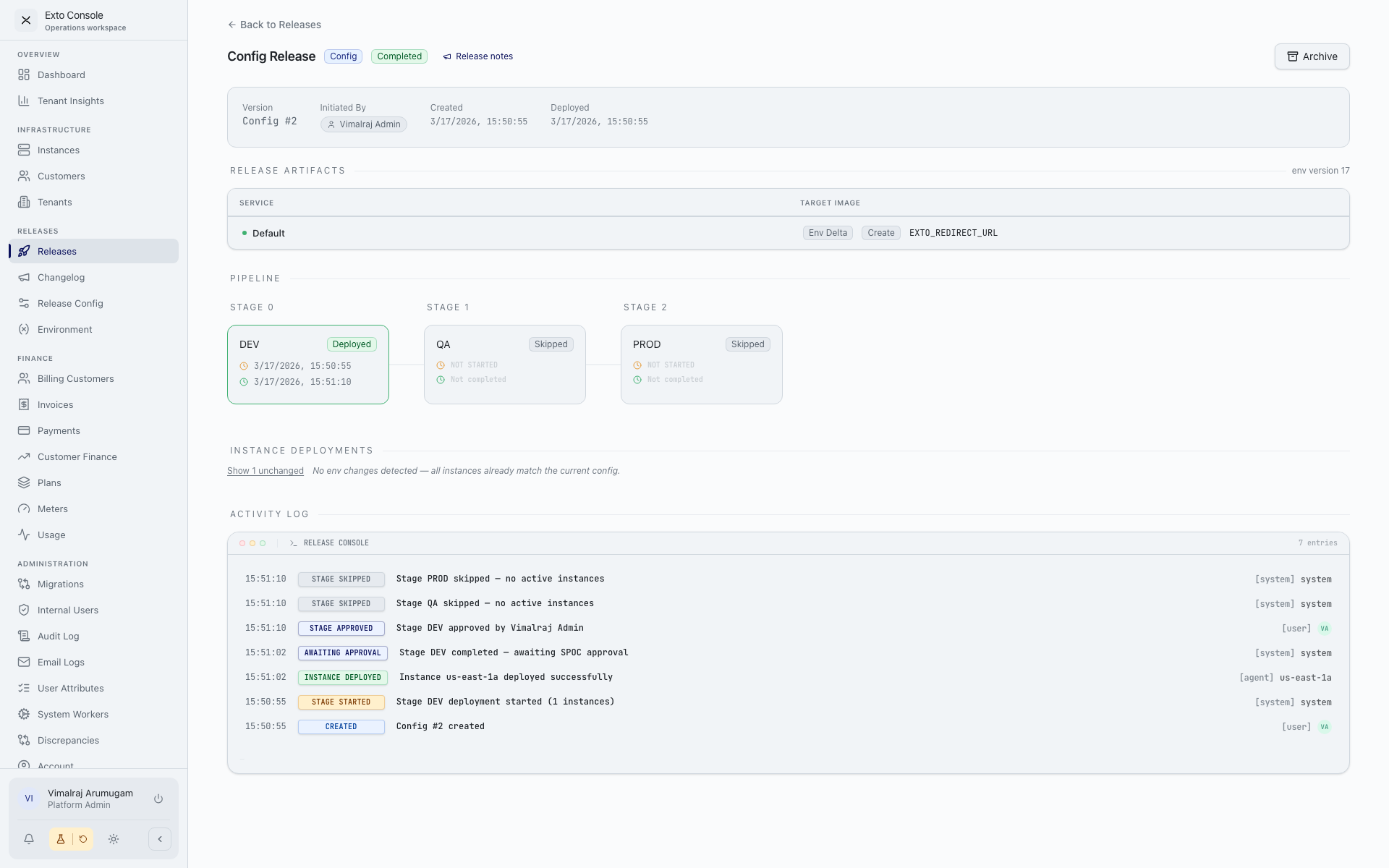
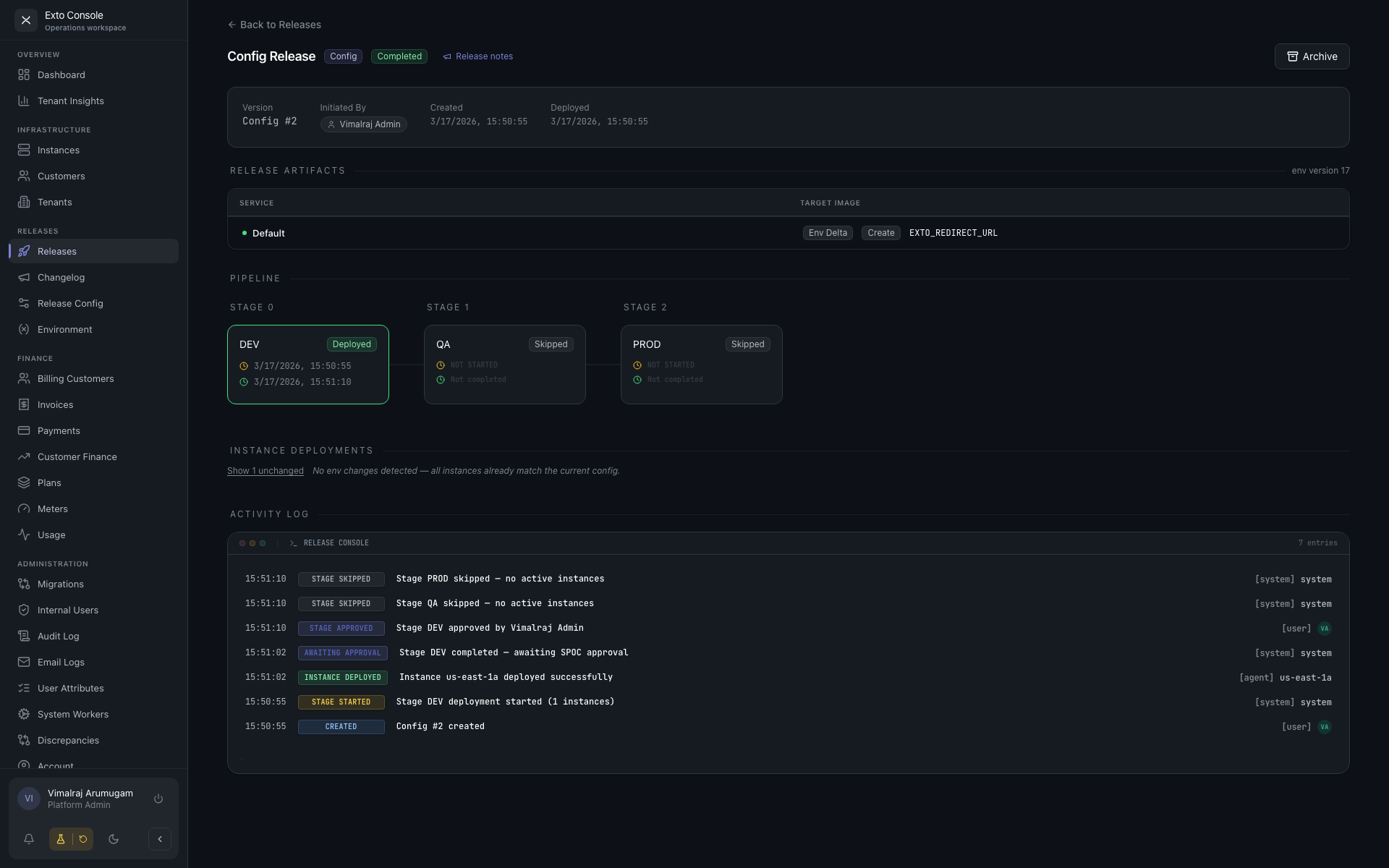
| Config | Environment-variable changes only. No service image changes. | Auto-incrementing counter (Config #1, #2, …). |
A Config release will be rejected if the preview shows no environment delta against the last deployed state — there is nothing to ship.
Anatomy of a release
A release contains:
- A set of services with target Docker images (for Feature and Hotfix).
- The environment variables in effect, captured as a snapshot. Changes since the last release are computed as create / update / delete deltas.
- A release notes rich-text document (required for Feature and Hotfix, optional for Config). These are what customers see in the Changelog.
- The initiator, created time, deployed time, and completed time.
The pipeline
The pipeline is configured globally on the Release Configuration page. It defines:
- Stages — an ordered sequence (Stage 01, Stage 02, …). Each stage groups one or more environments.
- Parallel environments — environments in the same stage deploy together.
- Managed services — the services the pipeline operates on. Services not listed are ignored.
- Approval mode — Disabled, All Instance SPOCs, or Any Instance SPOC.
- DevOps trigger — optional extra gate that requires an explicit trigger after approval.
- SLA thresholds — reminder, escalation, and stalled times (days for normal releases, hours for hotfixes).
- Escalation contacts — who gets paged if a release sits too long.
Release lifecycle
draft ──▶ in_progress ──▶ completed
                  │
                  ├──▶ paused ──▶ in_progress
                  │
                  ├──▶ failed ─┐
                  │            ├──▶ archived
                  ├──▶ rolled_back ─┤
                  │            │
└──▶ cancelled ──┘- Draft. Created but not yet deployed. The author can review and click Deploy when ready.
- In Progress. Flowing through stages. Stages may show as
pending,deploying,awaiting_approval,awaiting_trigger,deployed,failed,skipped, orrolled_back. - Paused. Awaiting human action — either an approval, a trigger, or a manual hold.
- Completed. All stages succeeded.
- Failed / Rolled Back / Cancelled. Terminal states. The release can be archived to keep the list clean.
- Archived. Hidden from the default Releases view. Within 30 days of archival the release can be unarchived; after that, per-service configuration, environment-version pins, and logs are permanently purged.
Stages, approvals, and triggers
For each stage, the Console shows which environments and instances are involved, and surfaces the action you need to take:
- Approve — if the stage is in
awaiting_approvaland you are a SPOC for any of the affected instances. - Trigger — if the stage is in
awaiting_trigger(DevOps gate enabled) and you have permission. - Retry / Skip / Rollback — per-instance actions in the Instance Deployments section.
Approvals are recorded with the SPOC's identity and a timestamp. Triggers and rollbacks are recorded the same way. The full activity log on the release detail page is the source of truth.
What customers see
Customers do not see the pipeline. They see the Changelog — a curated list of completed releases with their release notes, grouped by month. Config releases without notes are excluded. Customers reach the changelog from the Customer Portal sidebar ("What's New").